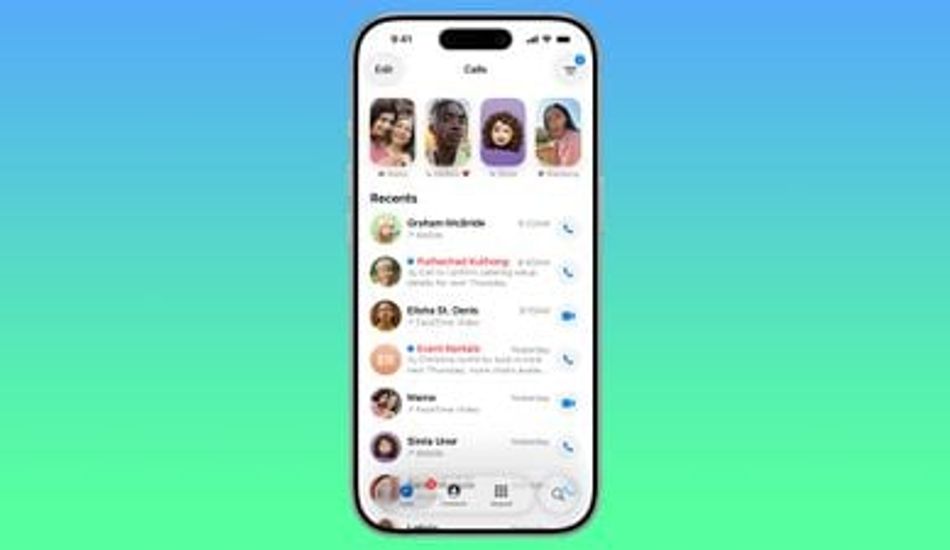
iOS 26: Easily Set Callback Reminders for Missed Calls
Ever find yourself swamped, missing important calls and then completely forgetting to call back? I know I have! It's frustrating, especially when you're trying to stay on top of things. Well, it seems like Apple is on a mission to make our lives a little easier with the upcoming iOS 26. One of the nifty new features is a streamlined way to set callback reminders directly from the Phone app.
Imagine this: you're in a meeting, a call comes in, and you can't answer it. Instead of relying on your memory (which, let's be honest, isn't always reliable), you can now quickly set a reminder to call them back later. This is a game-changer for those of us who juggle multiple tasks throughout the day.
When iOS 26 officially launches this fall, or if you're adventurous enough to try out the beta version, here's how it will work:
After missing a call, you'll see an option to "Remind Me Later..." If you tap on that, a "New Reminder" interface pops up. Here, you can customize the date and time you want to be reminded, and even choose which Reminders list to add it to. It's all very intuitive and user-friendly.
What I particularly appreciate is how the callback reminder seamlessly integrates with the Reminders app. It includes the contact's name, phone number, and any notes you might have added. No more scrambling to find the right number or context!
Quickly Call Back
The best part? All call reminders automatically appear in the Reminders app. You can view, edit, or mark them as complete, just like any other reminder. And if you want to quickly call someone back from a reminder notification, simply tap the alert and then tap the phone icon in the reminder details. It's incredibly convenient.
Important note: Keep in mind that iOS 26 is currently in beta, so things might change slightly before the final release. But based on what I'm seeing so far, this is a feature that I think many people will find incredibly useful.
I, for one, am excited about this update. It's a small change, but it addresses a real pain point. We will be able to ensure that important calls don't slip through the cracks. It's all about making our digital lives a little more organized and stress-free.
1 Image of iOS 26:

Source: Mac Rumors