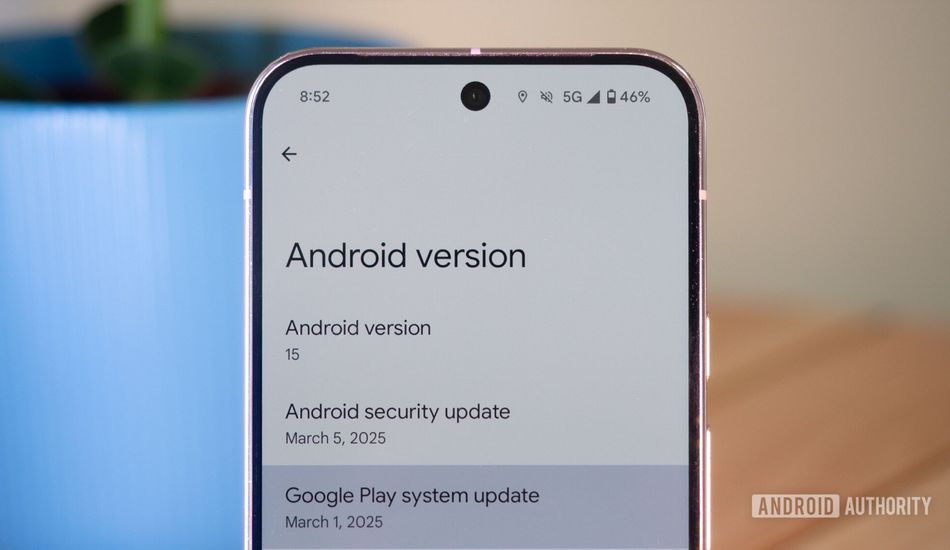
Easier Android Updates: Uninstall Google Play System Updates Directly from Your Phone
I think we've all been there: your phone starts acting up, and the first question that pops into your head is, "What's changed recently?" Usually, if it's an app, you can simply uninstall it. However, what happens if the issue stems from a Google Play System update? Until now, rolling back wasn't exactly a breeze.
These Google Play System updates are pretty important. They touch many critical services on our phones. Thus, if one update goes south and causes trouble, a rollback option becomes essential. Google has offered the Google Play System Update Rollbacks (GPSUR) tool, but it required connecting to a computer and using the Android Debug Bridge (ADB). Let's be honest, that’s not something everyone is comfortable doing.
But, things are about to change. I've noticed that Google is rolling out a direct, on-device solution. Buried within Google Play Services, a new entry called "Mainline services" is beginning to appear. It's not on every device yet, but it's definitely on its way.
Tapping on "Mainline services" takes you to its Play Store entry. What you see depends on whether you have a Google Play System update pending. If you've ever used GPSUR, you already know that Mainline updates are just another name for Google Play System updates.
Once your phone downloads one of these updates, it needs to restart to finalize the installation. What’s really interesting is the "Remove updates" button. Selecting this option will remove the current installed version and revert to the previous one. A confirmation dialogue pops up, warning you about the possible consequences, which is a good thing. In my tests, it seems to work as it should. I was able to install an update, remove it, and then see it available for installation again.
Look, I hope you never need this tool. It's tucked away and clearly not meant for everyday use. But, it's comforting to know that if you ever do need it, you won't have to wrestle with ADB and your computer. Having this feature baked directly into the phone simplifies the whole process.
Source: AndroidAuthority